
What is YouTube CTR and why does it control your channel's growth?
Key Takeaways
- 1
CTR (Click-Through Rate) is the percentage of viewers who click your thumbnail after YouTube shows it to them — and it is one of the first signals the algorithm uses to decide whether to expand or kill your video's reach.
- 2
A strong CTR alone is not enough: YouTube pairs it with Average View Duration (AVD) to confirm that the clicks you earn are satisfied clicks, not misleading ones.
- 3
Thumbnail and title combinations are the primary levers for improving CTR — small, testable changes to contrast, facial expression, and title curiosity gaps can move CTR by several percentage points.
- 4
Tracking CTR in context — alongside retention and impressions — turns a raw number into a diagnostic tool that tells you exactly where your channel's distribution is breaking down.
What CTR Actually Means on YouTube
Click-Through Rate (CTR) on YouTube is the percentage of times viewers clicked your video after YouTube displayed its thumbnail to them. The formula is simple: CTR = (Total Clicks ÷ Total Impressions) × 100. Here's how it works, if YouTube showed your thumbnail 10,000 times and 500 people clicked it, your CTR is 5%.
An impression is counted every time your thumbnail is visible on screen for at least one second — in the Home feed, Suggested sidebar, search results, or Trending pages. CTR measures how compelling that thumbnail-and-title combination is at converting a casual scroll into an intentional click. You should design it with intent.
YouTube's own published benchmarks place most channels between 2% and 10% CTR, with newer or smaller channels often seeing higher numbers because their impressions are shown to a narrow, highly relevant audience. As a channel scales and impressions broaden, CTR typically settles lower. Context matters enormously, so never compare your CTR to a creator in a different niche or at a different channel stage.
Why CTR Is One of the Algorithm's First Filters
YouTube's distribution system works in phases. When you publish a video, the platform shows it to a small test audience — often subscribers and viewers with a demonstrated interest in your topic. During this testing window, CTR is the first measurable signal the algorithm collects. A strong CTR tells YouTube: "people who see this video want to watch it." That signal is permission to push the video to a broader audience.
A weak CTR in that early window has the opposite effect. The algorithm interprets low clicks as a sign that the video is not worth surfacing more widely, and distribution stalls. This is why the first 24–48 hours after publishing are so consequential — it is when CTR has the most influence over a video's trajectory. For a deeper look at how this hook extends into the first seconds of the video itself, see "Why Your YouTube Hook Rate Is Killing Your Reach".
The Critical Pairing: CTR + Average View Duration
CTR is powerful, but YouTube does not use it in isolation. The platform immediately pairs click data with Average View Duration (AVD) — the average number of minutes viewers actually watch. This pairing exists to prevent creators from using misleading, sensationalist thumbnails to inflate clicks without delivering value.
If your CTR is high but your AVD is low, YouTube reads that combination as a warning sign: viewers clicked but left quickly, suggesting the thumbnail over-promised. The algorithm will reduce distribution to protect viewer satisfaction. Conversely, a moderate CTR paired with a strong AVD is a green light — the clicks you earn are satisfied clicks, and YouTube will keep surfacing the video. This relationship between viewer emotion and algorithmic reward is explored in detail in "Sentiment-Driven Algorithm Shifts: How Viewer Emotion Shapes What YouTube Promotes".
The takeaway: chase CTR honestly. Your thumbnail and title should be a genuine, compelling preview of the video — not a bait-and-switch.
What a "Good" CTR Looks Like in Practice
Rather than chasing a universal benchmark, measure your CTR against your own channel's historical average. Here is a practical framework:
Above your channel average: The thumbnail-title combination is resonating. Analyze what made it work and replicate those elements.
At your channel average: Baseline performance. Look at AVD to determine if the video is being distributed adequately.
Below your channel average: The thumbnail or title (or both) failed to convert impressions. This is a data point, not a failure — use it to test a revised thumbnail.
Traffic source also shapes your CTR expectations. Browse and Suggested traffic typically yields higher CTR than Search traffic, because search viewers have specific intent and scan multiple results before clicking. Segment your CTR by traffic source in YouTube Studio to get accurate benchmarks for each context. For a broader look at which numbers actually move the needle, read "3 YouTube Metrics That Actually Matter (And 2 That Are Just Vanity)".
The Two Levers That Control CTR: Thumbnail and Title
CTR is almost entirely determined by two elements: the thumbnail image and the video title. Every other factor — upload time, tags, description — has minimal direct influence on whether someone clicks.
Thumbnail Principles That Drive Clicks
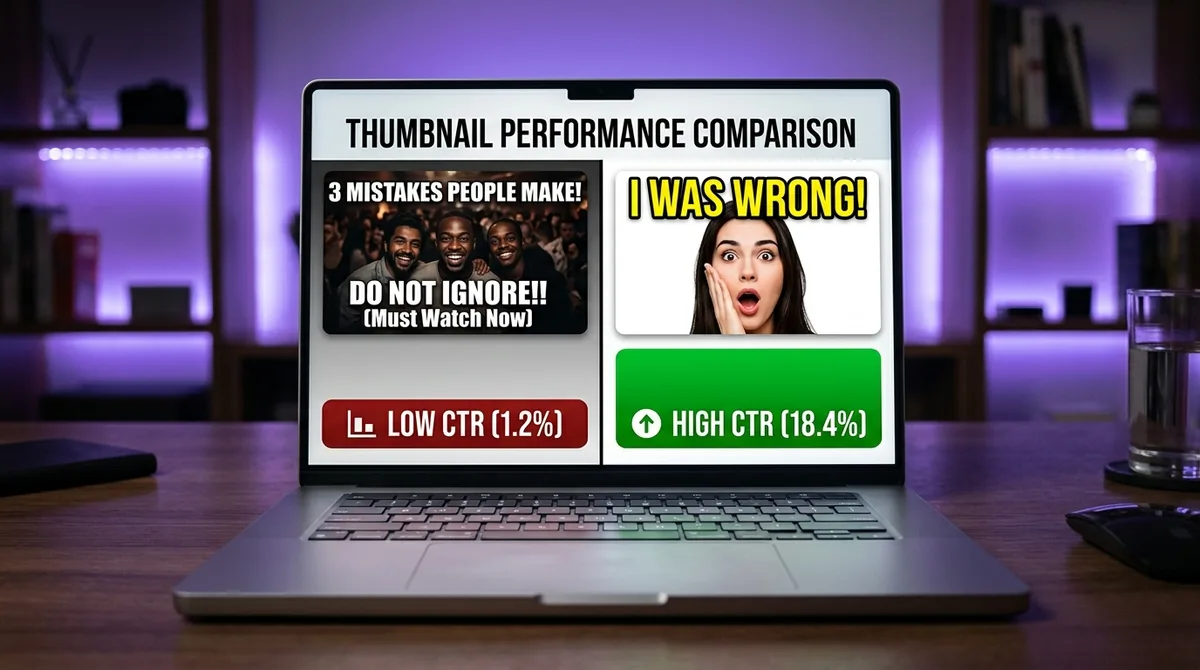
Strong thumbnails share a set of consistent visual properties. High contrast makes the image visible on both bright and dark screens. A clear focal point — typically a face, an object, or bold text — gives the viewer's eye somewhere to land instantly. Emotional expression in a face (surprise, intensity, curiosity) communicates that something worth watching is happening. Minimal clutter keeps the message readable at thumbnail size, which on mobile can be smaller than a postage stamp.
Test one variable at a time. Change the background color, the facial expression, or the text overlay — but not all three simultaneously. YouTube's built-in A/B thumbnail testing tool (available to eligible channels) lets you run this systematically. If you are not yet eligible, tools like TubeBuddy offer third-party split testing. For a full playbook on capturing attention before the video even starts, see "Pattern Interrupt Hooks (2026 Edition): Stop the Scroll and Keep Viewers Watching".
Title Principles That Drive Clicks
A strong title does one of three things: it answers a specific question the viewer is already asking, it creates a curiosity gap that can only be resolved by watching, or it makes a specific, credible promise. Vague titles kill CTR. "My Morning Routine" is weaker than "The 5-Minute Morning Routine That Replaced My $200 Coffee Habit" — the second version names a specific outcome and implies a transformation.
Keep titles under 60 characters where possible to avoid truncation in search results. Front-load the most important keyword or hook, because viewers scan from left to right and may not read past the first five words.
How to Diagnose a CTR Problem on Your Channel
Low CTR is a symptom, not a single disease. Run this three-step diagnostic before changing anything:
Step 1 — Check impressions volume. If impressions are very low (under 1,000 in the first 48 hours), the algorithm barely tested the video. A low CTR on thin impressions data is statistically unreliable. Focus on improving your channel's overall upload consistency first. The "The 20-30 Video 'Data Feedback' Loop: How to Turn Your First Month of Uploads into a Growth Roadmap" provides a structured approach to building that foundation.
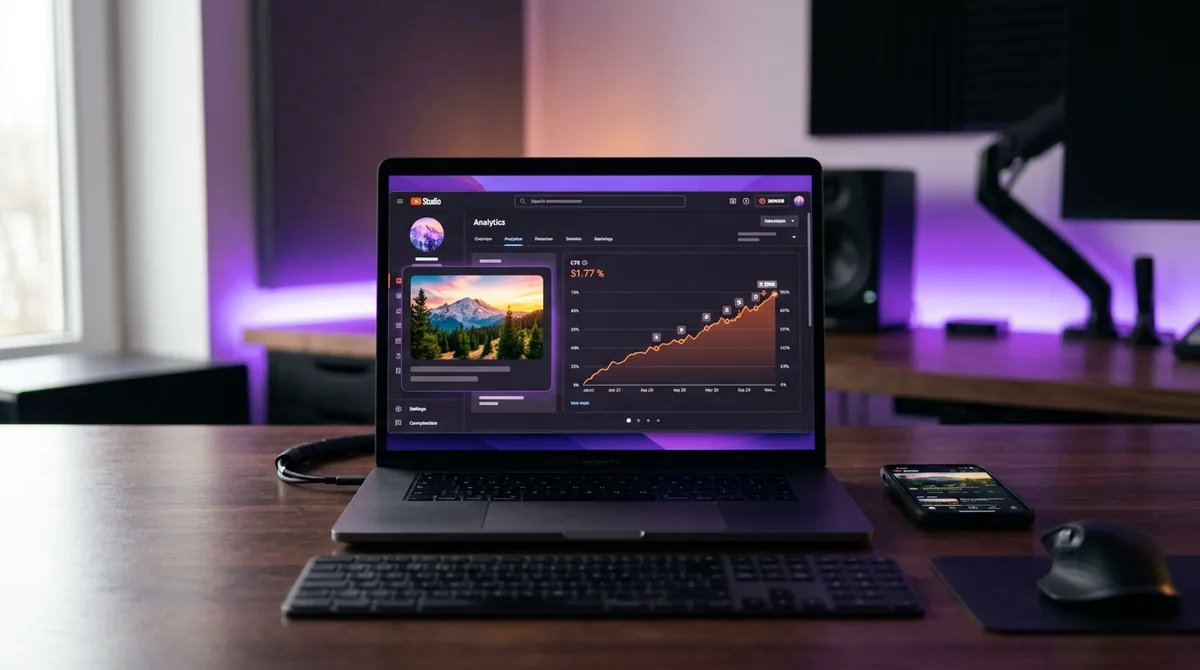
Step 2 — Segment by traffic source. Open YouTube Studio, navigate to the video's analytics, and filter CTR by traffic source. If your Browse CTR is strong but Search CTR is low, the title may lack keyword specificity. If both are low, the thumbnail is the more likely culprit.
Step 3 — Compare thumbnail against your top performers. Line up your three highest-CTR thumbnails and your three lowest. Look for visual patterns: color palette, text size, presence of a face, background complexity. The differences you notice are your testing roadmap.
CTR in the Context of Channel-Wide Analytics
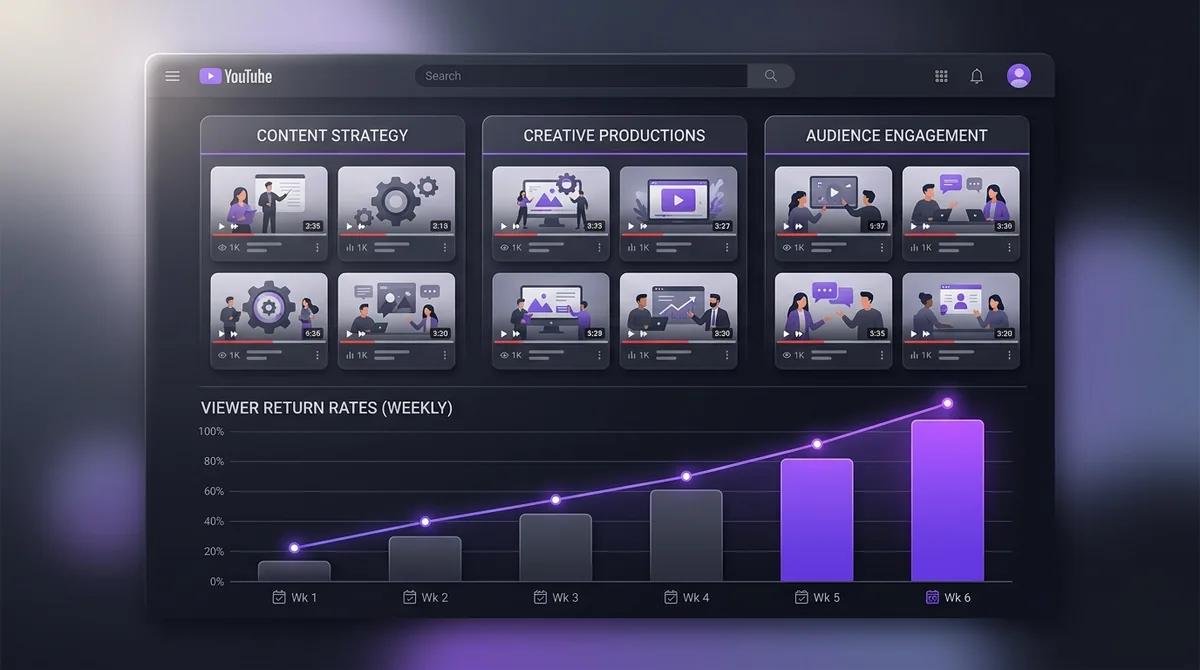
Individual video CTR matters, but channel-level CTR trends reveal something more important: whether your brand identity and thumbnail style are becoming recognizable to your audience. Consistent visual language across thumbnails builds what YouTube's product team has called "shelf presence" — the immediate recognizability of your content in a crowded feed.
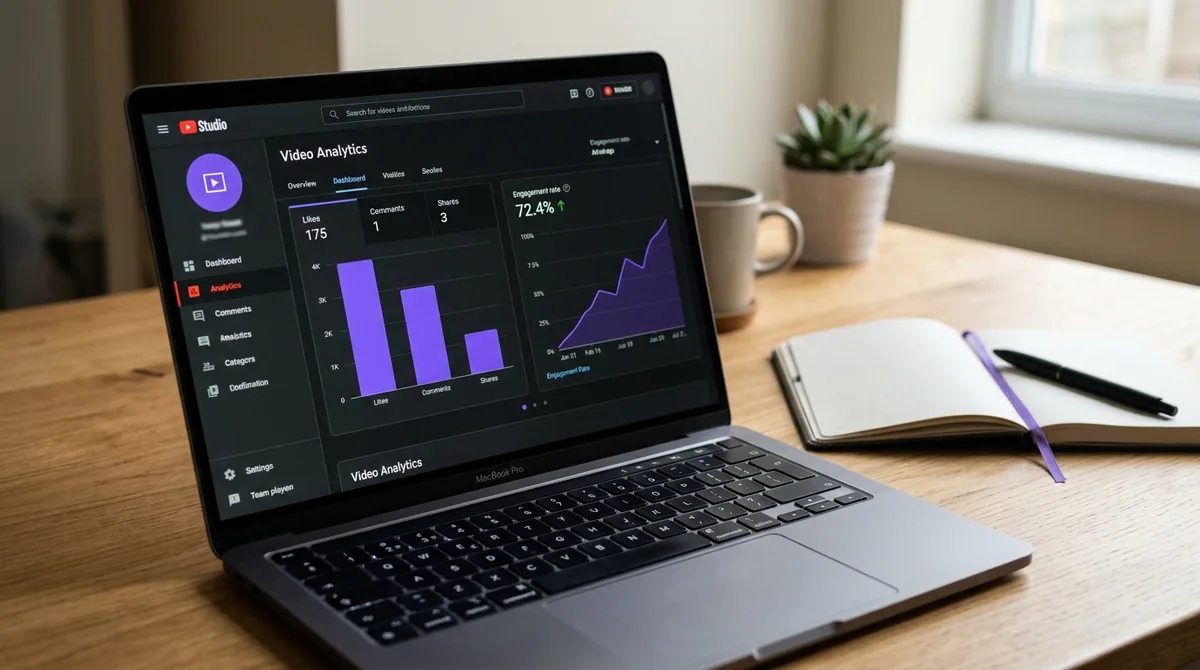
Based on AskLibra data from 4 connected channels and 511 videos analyzed, longform videos generate an average engagement rate of 0.0226, more than double the 0.0109 average for short-form content. This suggests that when a viewer trusts your thumbnail enough to click a longer video, the payoff in engagement is substantially higher — making CTR optimization on longform content one of the highest-leverage activities available to a growing channel.
To build a data feedback loop that connects CTR to your broader content strategy, "Predictive Social Analytics: How to Use Data to See What Your YouTube Channel Needs Before It Happens" outlines how to use forward-looking metrics to anticipate what your channel needs before problems emerge.
Common CTR Mistakes That Stall Channels
Clickbait that erodes trust. Thumbnails that exaggerate or mislead spike CTR once and crater AVD permanently. Repeat offenders train the algorithm — and the audience — to distrust the channel. "The Death of the 'Viral Hack'" explains why short-term manipulation consistently backfires on long-term channel health.
Inconsistent thumbnail style. Switching visual styles between videos prevents viewers from recognizing your content in the feed. Recognition drives passive CTR — clicks from people who did not actively search for you but stopped because the thumbnail looked familiar.
Ignoring the mobile preview. Over 70% of YouTube watch time happens on mobile devices. A thumbnail that looks sharp on a desktop monitor may be unreadable at 120×90 pixels on a phone. Always preview thumbnails at small sizes before publishing.
Treating CTR as a vanity metric. CTR without AVD context is incomplete data. A creator optimizing for CTR alone, without checking whether those clicks convert to watch time, is optimizing for the wrong outcome. Topic alignment — making sure your title, thumbnail, and content are tightly coordinated — is covered in "Topic Clustering and Content Neighborhoods: How to Organize Your YouTube Channel for Algorithmic Authority".
Frequently Asked Questions
What is a good CTR for a YouTube video?
YouTube reports that most channels see CTR between 2% and 10%, but the most meaningful benchmark is your own channel average rather than an industry number. A video performing above your personal baseline is performing well, regardless of where it falls on a universal scale.
Does CTR directly determine how many views a video gets?
CTR influences how aggressively YouTube distributes a video during its testing phase, which affects early view count. However, YouTube pairs CTR with Average View Duration — so a high CTR with poor retention will not sustain distribution. Both signals together determine long-term reach.
Can I improve CTR on a video after it has already been published?
Yes. You can upload a new custom thumbnail at any time through YouTube Studio. Many creators see a measurable CTR improvement after replacing a weak thumbnail, even on videos that are weeks or months old. The algorithm will re-evaluate the video with the new thumbnail during subsequent impression cycles.
Why is my CTR high but my views are still low?
High CTR on low impressions means YouTube is not widely surfacing your video in the first place. Impressions volume is controlled by factors like channel authority, topic relevance, upload consistency, and whether your video fits into an established content neighborhood the algorithm already understands. Improving CTR helps once impressions are flowing — but earning impressions requires channel-level trust signals.
How often should I check my CTR?
Check CTR at 48 hours post-publish (to assess the algorithm's initial test window), at 7 days (to evaluate early distribution), and at 28 days (for a stable long-term benchmark). Checking hourly creates noise rather than insight — CTR fluctuates with traffic source mix and time of day, so longer windows produce more reliable data.
Ready to see what the data says about your channel?
Stop guessing. Use AskLibra to get a personalized 90-day growth gameplan and find your perfect posting window.
No credit card required • Join 2,000+ creators