
How to Write a YouTube Video Title That Gets Clicked
Key Takeaways
- 1
A strong YouTube title must balance search intent (what viewers type) with emotional pull (why they click) — neither alone is enough to drive consistent traffic.
- 2
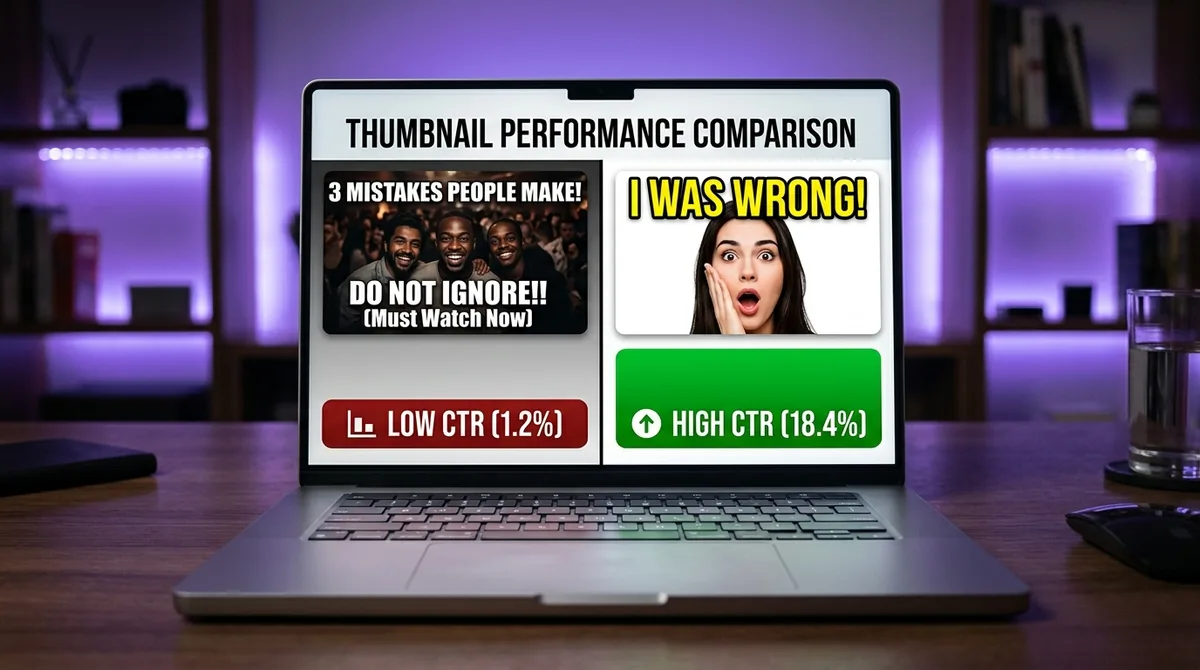
Click-Through Rate (CTR) — the percentage of people who see your thumbnail and title and actually click — is one of the clearest signals you can improve without changing a single frame of your video.
- 3
Specific, concrete language in titles (numbers, outcomes, named problems) consistently outperforms vague or clever phrasing because it reduces viewer uncertainty before the click.
- 4
Testing title variations through YouTube's own A/B tools or third-party platforms gives you channel-specific data, not generic advice — and that data is far more actionable than any universal rule.
Why Your Title Is the First — and Sometimes Only — Decision a Viewer Makes
Before a viewer watches a single second of your video, they make a binary choice: click or scroll. That decision happens in under two seconds and is driven almost entirely by two things — your thumbnail and your title. Of the two, your title carries the semantic weight. It answers the question the viewer is silently asking: "Is this worth my time?"
Understanding how to write a title that converts browsers into viewers is not about tricks. It is about clarity, specificity, and matching what you promise to what your audience is already searching for. This guide breaks that process down into concrete, repeatable steps.
What CTR Actually Means — and Why It Matters More Than Views
Click-Through Rate (CTR) is the percentage of people who see your video's thumbnail and title in YouTube search results, the homepage, or suggested feeds — and then actually click on it. If 1,000 people see your video and 45 click, your CTR is 4.5%.
YouTube's algorithm treats CTR as a strong early signal of relevance. A video that earns clicks tells the algorithm that the title and thumbnail are matching real viewer intent. That match gets rewarded with wider distribution. A video that gets skipped, no matter how good the content is, stalls. This is why what is YouTube CTR and why does it control your channel's growth is one of the most important mechanics every creator needs to understand before optimizing anything else.
The Two Jobs Every YouTube Title Must Do Simultaneously
Most creators write titles that do one job well and fail at the other. A great title must do both at the same time:
Job 1: Match Search Intent
Search intent is the specific outcome or answer a viewer wants when they type a query into YouTube's search bar. If someone searches "how to fix a leaky faucet," they want a step-by-step fix — not a history of plumbing or a product review. Your title needs to signal immediately that your video delivers exactly what they are looking for.
To identify the right intent, type your topic into YouTube's search bar and observe the autocomplete suggestions. These are real queries real people are typing. Use that language in your title, not a paraphrase of it. The closer your title matches actual search language, the more likely YouTube's system will surface your video to the right viewers.
Job 2: Create an Emotional Reason to Click
Matching intent gets you found. Emotional pull gets you clicked. These are different mechanisms. A title like "How to Fix a Leaky Faucet" matches intent. A title like "How to Fix a Leaky Faucet in 10 Minutes Without Calling a Plumber" matches intent and gives a concrete, desirable outcome that makes clicking feel worthwhile.
Emotional pull does not mean clickbait. It means identifying the specific frustration, desire, or curiosity your viewer already has — and making it clear your video addresses it directly.
The Four Title Structures That Consistently Drive Higher CTR
1. The Specific Outcome Title
Format: [Action] + [Specific Result] + [Timeframe or Condition]
Example: "Lose 5kg in 30 Days Without Cutting Carbs"
Why it works: Specificity reduces uncertainty. Vague promises feel risky. Concrete outcomes feel achievable. The more precisely you name the result, the more the right viewer self-selects to click — and the wrong viewer self-selects to skip. That self-selection actually improves your average view duration, which is a separate algorithm signal called audience retention (the percentage of a video the average viewer watches before leaving).
2. The Named Problem Title
Format: "Why [Common Problem] Happens — and How to Fix It"
Example: "Why Your YouTube Videos Get No Views — and How to Fix It"
Why it works: Naming a problem the viewer already recognizes creates instant relevance. They feel seen before they click. This structure works especially well for educational content where the audience is in a frustrated or stuck state.
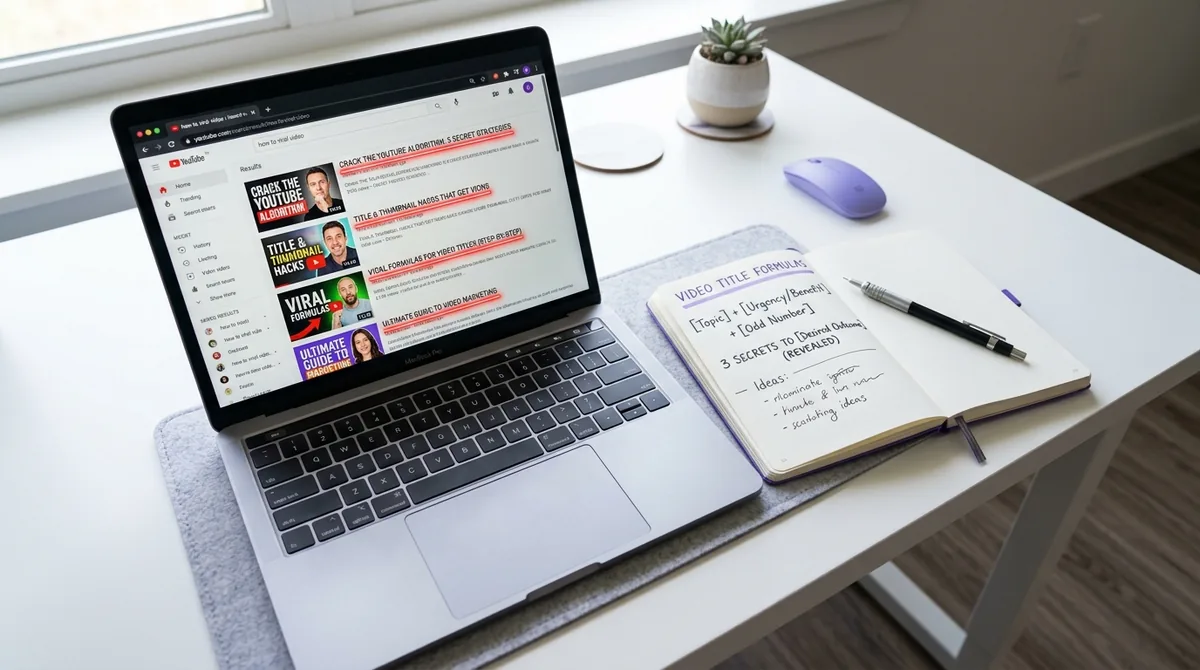
3. The Number-Led Title
Format: [Number] + [Specific Things] + [Context or Benefit]
Example: "7 Title Mistakes That Kill Your YouTube CTR"
Why it works: Numbers signal structure and digestibility. A viewer knows exactly what they are getting — a finite, organized list. This reduces the perceived effort of watching and increases the likelihood of clicking. Numbers also stand out visually when scanning a results page dominated by paragraph-style titles.
4. The Curiosity Gap Title
Format: Statement that implies a surprising answer the viewer does not yet have
Example: "The YouTube Title Format That Tripled My CTR (It's Not What You Think)"
Why it works: The human brain dislikes incomplete information. A curiosity gap creates a mild cognitive itch that clicking resolves. The key is that the gap must be honest — the video must actually answer the implied question. Fake curiosity gaps are the definition of clickbait and erode subscriber trust over time.
Words and Phrases That Raise CTR — and Ones That Kill It
Words That Work
Concrete nouns and verbs outperform abstract ones every time. "Build," "fix," "earn," "avoid," "stop" — these signal action. Pair them with specific subjects: not "success" but "$10,000 in revenue"; not "better videos" but "videos that rank on page one."
Words and phrases that have demonstrated strong CTR performance across many niches include: mistake, secret, actually, without, before, never, exactly, proven, step-by-step, complete guide, in [timeframe].
Words That Hurt
Avoid titles that are purely descriptive with no tension or outcome. "My Vlog" or "Cooking Dinner" gives the viewer no reason to choose your video over any other. Equally, avoid hollow superlatives: "amazing," "incredible," "the best ever" — these phrases have been so overused that viewers have developed immunity to them. They add no information and no credibility.
Title Length: The Practical Rule
YouTube displays approximately 60 characters of a title in most placements before truncating with an ellipsis. The most critical information — the specific outcome or named problem — should appear in the first 50-60 characters. Additional context can follow for SEO purposes, but the click decision is made on what is visible.
A practical test: paste your title into a character counter. If the core promise of your video appears after character 60, rewrite the title so it leads with that promise.
How to Test Titles Using Your Own Channel Data
Universal title advice is a starting point. Your specific audience, niche, and channel authority will produce results that deviate from any general rule. The only way to know what works for your channel is to test systematically.
YouTube Studio's A/B testing feature (available to eligible channels) allows you to serve two different titles and thumbnails to different viewer segments and measure which earns more clicks. Run tests for at least two weeks before drawing conclusions, as early data can be skewed by algorithm fluctuations.
For deeper pattern recognition across your video library — identifying which title structures, posting times, and formats have historically driven stronger performance — tools that analyze your 90-day data history give you channel-specific intelligence. How AskLibra's 90-Day Analysis Works — and What It Finds in Your Channel explains how that kind of retrospective analysis surfaces patterns that are invisible when you look at videos individually.
Understanding what 90 days of YouTube data actually reveals about content performance can also reframe how you interpret your CTR trends — often, the title patterns that work are hiding in videos you already published.
Aligning Your Title With the YouTube Algorithm in 2026
The algorithm does not read your title the way a human does. It processes it as a set of signals: keywords for indexing, relevance matching against viewer query history, and click behavior as validation. A title that earns fast, early clicks signals relevance. A title that earns clicks but causes immediate drop-off signals mismatch between promise and delivery.
This means the most sustainable CTR strategy is alignment — your title promises exactly what the video delivers. A misleading title might spike clicks but will suppress average view duration (audience retention), which the algorithm weighs heavily. For a detailed look at how retention data interacts with the algorithm, YouTube Audience Retention: What the Numbers Actually Mean breaks down what those percentages actually signal to YouTube's recommendation system.
For a broader understanding of how YouTube distributes content in 2026, What is the YouTube Algorithm in 2026? A Data-Driven Breakdown provides the structural context that makes title optimization make sense as part of a larger system.
A Repeatable Title-Writing Process
Use this sequence every time you write a title:
Step 1 — Identify the core outcome. What is the single most valuable thing a viewer gets from watching this video? Write that in one plain sentence.
Step 2 — Check search language. Type your topic into YouTube's search bar. Note the autocomplete suggestions and the titles of videos already ranking. What language are viewers and creators using?
Step 3 — Add specificity. Replace any vague words with concrete ones. Replace "more money" with a number. Replace "better results" with a named outcome. Replace "quickly" with a timeframe.
Step 4 — Apply a proven structure. Choose one of the four title structures above and fit your specific outcome into it.
Step 5 — Check character length. Confirm the core promise appears within the first 60 characters.
Step 6 — Read it as a viewer. Ask: "If I saw this title while scrolling, would I stop? Does it answer 'what do I get?' and 'why now?'"
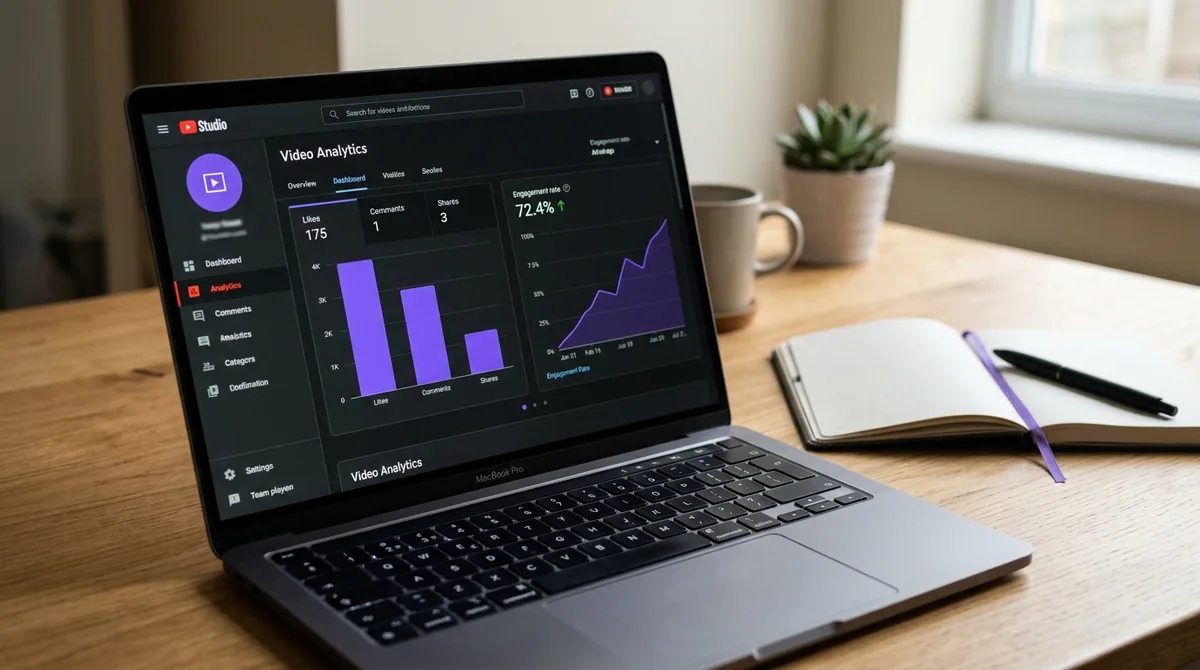
Step 7 — Test and measure. Publish, monitor CTR in YouTube Studio within the first 48 hours, and build a record of which title structures perform best on your specific channel over time. The 20-30 Video Data Feedback Loop is a practical framework for turning that accumulating record into a growth roadmap.
Frequently Asked Questions
How long should a YouTube video title be?
Aim for 50-70 characters total. YouTube truncates titles in most display contexts at around 60 characters, so the most important part of your title — the core promise or named problem — must appear in the first 50-60 characters. You can add secondary keywords after that point for search indexing, but the click decision is made on what is visible.
Should I put keywords at the beginning or end of my title?
Lead with the most compelling part of your title, which is usually the specific outcome or named problem — and in most cases, that element naturally contains your primary keyword. Do not sacrifice readability or click appeal to front-load a keyword. A title that gets found but not clicked is no better than one that never ranks.
Does changing a title after publishing hurt a video's performance?
Changing a title after publishing will not erase existing performance data, but it can temporarily disrupt indexing as YouTube re-evaluates the updated metadata. If a video is already performing well, test changes carefully. If a video is underperforming, updating the title is a low-risk optimization worth trying, especially within the first 30 days when the algorithm is still sampling the video's audience fit.
What is a good CTR for a YouTube video?
YouTube itself has noted that most channels see CTR ranging from 2% to 10%, with the majority sitting between 4% and 6% across impressions from all surfaces. A higher CTR is not always better — a very narrow, highly targeted title may earn a lower raw CTR but attract viewers who watch longer, which can result in better overall algorithmic performance. Context and average view duration matter alongside CTR.
Can I use the same title structure for YouTube Shorts?
Short-form content on YouTube (Shorts) is distributed differently — viewers encounter it in the Shorts feed where the title is less prominent during playback. However, titles still affect search discoverability for Shorts. The same principles apply: be specific, name the outcome, and use real search language. The curiosity gap structure tends to work especially well for Shorts because the payoff is immediate.
Ready to see what the data says about your channel?
Stop guessing. Use AskLibra to get a personalized 90-day growth gameplan and find your perfect posting window.
No credit card required • Join 2,000+ creators