
What Is Engagement Rate on YouTube and What's a Good Benchmark?
Key Takeaways
- 1
Engagement rate on YouTube measures how many viewers actively interact with your video (likes, comments, shares) relative to total views — a low rate often signals a content-audience mismatch, not just a bad title.
- 2
A 'good' benchmark depends heavily on your niche and format: real estate content, for example, can average 10x or more above a typical YouTube channel's baseline.
- 3
Chasing view counts while ignoring engagement rate is one of the most common data mistakes creators make — platforms reward interaction signals, not passive eyeballs.
- 4
You can diagnose weak engagement by pairing your rate with audience retention data and hook performance, then fixing the specific drop-off point rather than guessing.
What Is Engagement Rate on YouTube?
Engagement rate is the percentage of viewers who take an active action on your video — clicking Like, leaving a Comment, Sharing the video, or saving it — divided by the total number of views, then multiplied by 100. It is one of the clearest signals of whether your content is actually connecting with people, or simply being watched and forgotten.
The formula looks like this: (Likes + Comments + Shares) ÷ Total Views × 100. A video with 10,000 views and 200 combined interactions has an engagement rate of 2%. Simple math, but the implications for your channel's reach are significant.
YouTube's recommendation system uses engagement signals as evidence of quality. When real viewers choose to interact, it tells the algorithm that the content is worth pushing to more people. That is why two videos with identical view counts can have dramatically different channel momentum — one has a 0.5% engagement rate, the other has 3%, and only one is getting recommended in Browse and Suggested feeds. To understand exactly how Browse traffic ties into this, see Browse vs Search Traffic on YouTube: What's the Difference and Which Matters More?
What Counts as an Engagement on YouTube?
YouTube Studio groups interactions slightly differently depending on where you look, but for practical benchmarking purposes, creators typically count the following:
Likes — The most common interaction. Low friction, which is why it makes up the bulk of most channels' engagement numbers.
Comments — Higher friction than a like, which means a comment carries a stronger quality signal. A viewer who types a sentence watched enough to form an opinion.
Shares — The highest-value interaction because it extends your reach outside YouTube entirely. A share means a viewer trusted the content enough to put their own name behind it.
Saves (Add to Playlist) — Often overlooked. When someone saves a video, they intend to return to it. This is a durable engagement signal that tells YouTube your content has shelf life.
What Is a Good Engagement Rate on YouTube?
There is no universal number, and anyone who gives you a single figure without context is oversimplifying. Engagement rate varies by channel size, niche, content format, and audience type. That said, here are practical reference points:
Under 1% — Below average for most active channels. Often indicates a retention or hook problem: viewers are watching but not feeling moved to act. Check your YouTube Audience Retention: What the Numbers Actually Mean before changing anything else.
1%–3% — Solid baseline for established channels with larger audiences. Larger channels tend to see lower engagement rates simply because passive viewers accumulate faster than loyal ones.
3%–6% — Strong. This range typically signals a tight content-audience fit and an active community. Channels in this range usually benefit from a consistent content structure and a clear niche identity.
Above 6% — Excellent, and common in high-trust niches like personal finance, real estate, and tight-knit hobby communities where viewers have a specific reason to comment and share.
Niche matters enormously here. Based on AskLibra data from 4 connected channels and 511 videos analyzed, real estate content averages an engagement rate of 0.5040 — more than 47 times the platform average of 0.0106 seen across all channels in the dataset. That gap is not random. Real estate viewers are making high-stakes decisions and are far more likely to comment, ask questions, and share content with someone else in their household or social circle.
Why Format Changes Everything
Your engagement rate is not just a function of your content quality — it is heavily shaped by the format you choose. Different formats attract different viewer behaviors, and comparing a Short's engagement rate to a long-form video's rate is like comparing sprint times to marathon times.
Image posts and carousel albums consistently outperform video on platforms where static content competes directly for attention in a feed. On YouTube specifically, the format comparison that matters most is Shorts vs long-form video. Shorts get rapid, high-volume exposure but lower comment and share rates because the viewing experience is designed for speed, not reflection. Long-form videos generate slower view accumulation but tend to attract higher-intent interactions.
If you are unsure which format to prioritize for your channel right now, YouTube Shorts vs Long-Form: How to Decide What to Post walks through the exact decision framework.
Why Your Engagement Rate Might Be Low (And What to Fix First)
Low engagement is a symptom, not a cause. Before you change your upload schedule or redesign your thumbnails, isolate where the problem actually lives.
1. Your hook is not holding attention
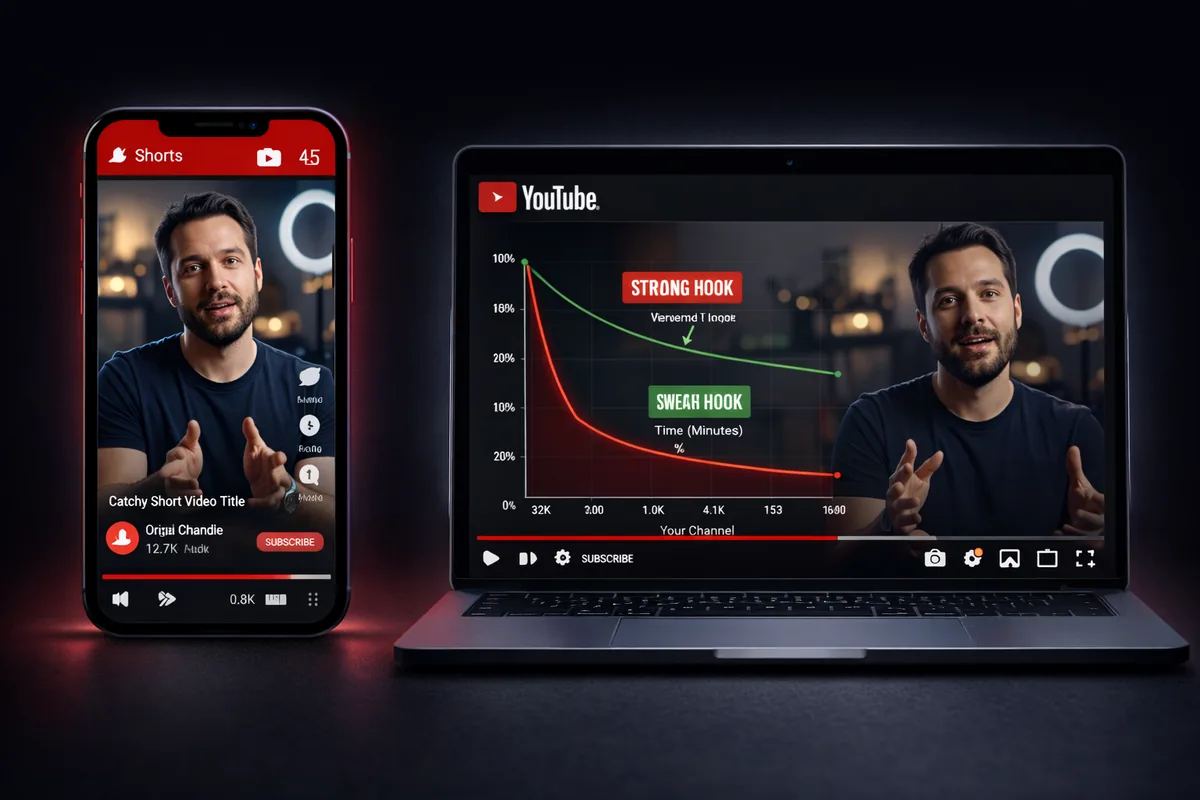
If viewers click your video and leave in the first 30 seconds, they never reach the moment where they might like or comment. The hook — the opening sequence of your video — is the single highest-leverage place to improve engagement. A strong hook answers the viewer's implicit question: "why should I keep watching this?" For a full breakdown, see What is a YouTube Hook and How Long Should It Be?
2. Your title is attracting the wrong audience
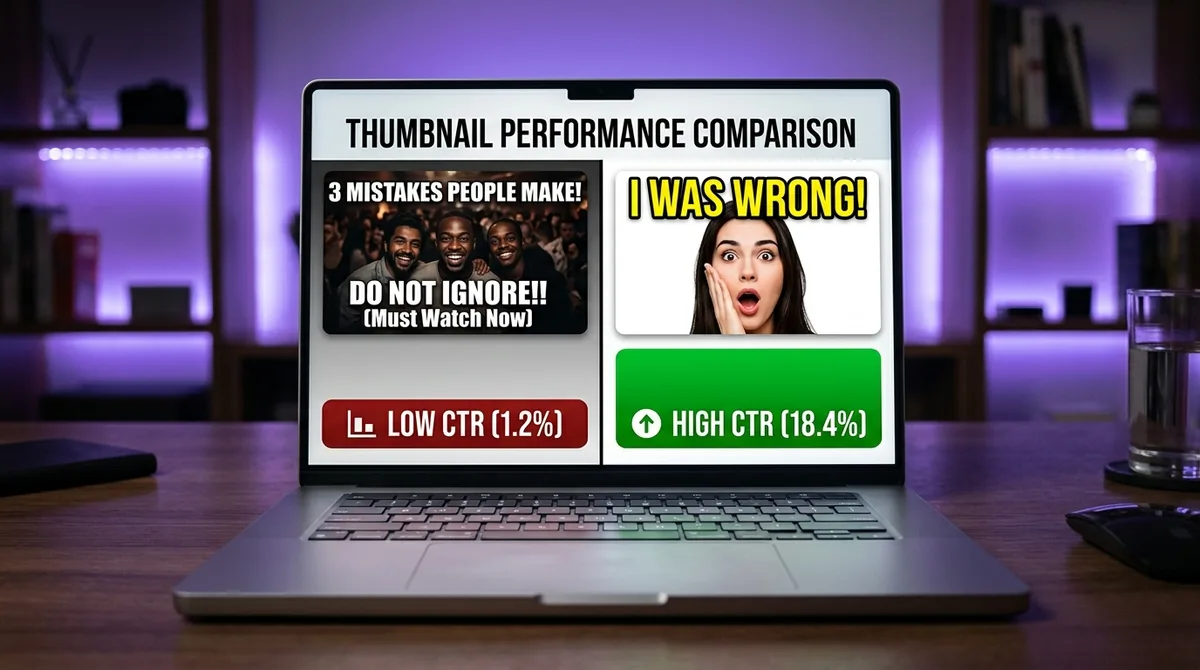
A misleading or vague title pulls in curious but unqualified viewers. They watch briefly, feel misled, and leave without interacting. High click-through rate (CTR — the percentage of people who click your video after seeing the thumbnail and title) combined with low engagement is a classic sign of a title-content mismatch. Learn to write titles that attract the right viewers in How to Write a YouTube Video Title That Gets Clicked.
3. You are not prompting interaction
This sounds almost too simple, but most creators never explicitly ask for engagement during the video. A direct, specific call-to-action — "drop your answer in the comments below" or "share this with someone who needs to hear it" — reliably lifts interaction rates. The ask needs to feel natural and relevant, not scripted.
4. Your posting timing is working against you
Publishing when your audience is asleep means early views come from cold traffic rather than subscribers. Subscriber interactions in the first hour carry more weight than the same interactions arriving three days later. Finding your channel's optimal posting window requires looking at your own data, not generic advice. How to Find Your Best Posting Time on YouTube Using Your Own Data explains exactly how to do that.
How to Track Engagement Rate Properly
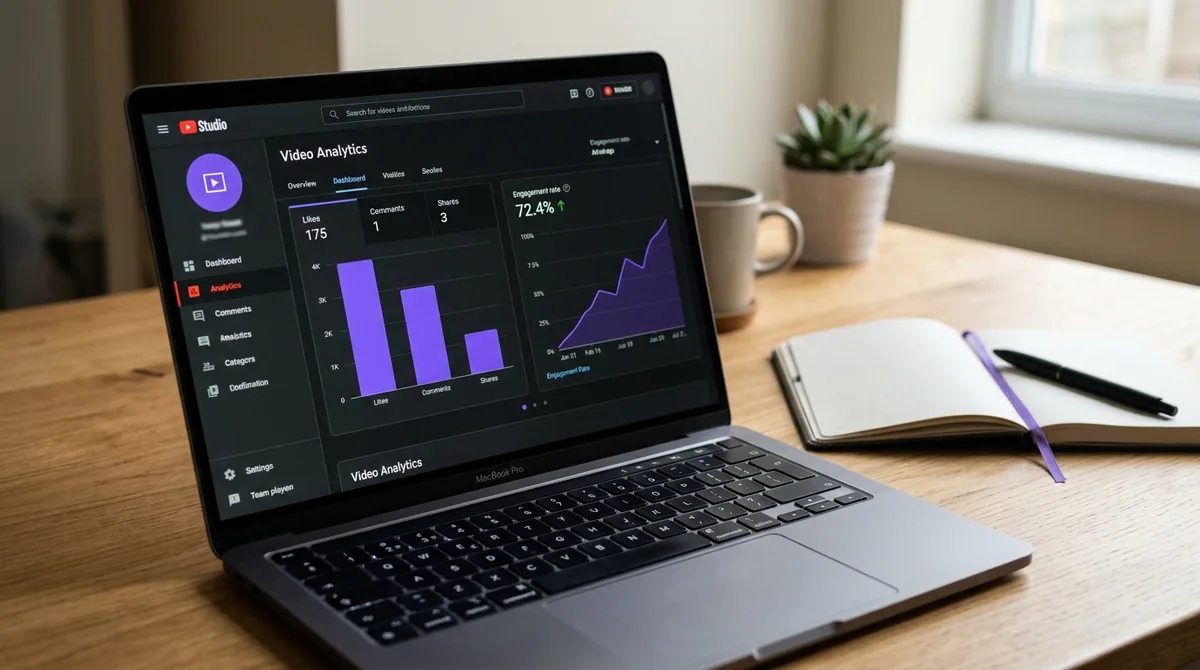
YouTube Studio does not display "engagement rate" as a single metric — you have to calculate it from the data available. Go to your video's analytics, pull total views alongside total likes, comments, and shares for a consistent time window (28 days is a reliable standard), then apply the formula above.
For channels looking at patterns across dozens or hundreds of videos, manual calculation becomes impractical. This is where a 90-day channel analysis becomes useful — rather than checking one video at a time, you can see which formats, topics, and posting windows consistently produce higher engagement rates. How AskLibra's 90-Day Analysis Works — And What It Finds in Your Channel shows what that kind of pattern-level view reveals.
The goal is not to obsess over individual video scores but to identify your channel's engagement floor (your worst-performing content type) and ceiling (your best), then systematically move the floor upward.
Engagement Rate vs. View-Through Rate: Know the Difference
Engagement rate measures what viewers do. View-through rate — also called VSAT (Video Shown and Watched Through), or more commonly audience retention — measures how much of a video viewers watch. Both matter, and they diagnose different problems.
A video with strong retention but low engagement suggests the content is watchable but not emotionally resonant — viewers finish it but feel no impulse to react. A video with high engagement but poor retention suggests a compelling hook or topic that does not deliver on its promise in the body of the video.
The healthiest channel metrics show both numbers moving in the same direction. When they diverge, you have a specific editing or scripting problem to solve, not a general "make better content" problem.
Frequently Asked Questions
What is considered a good engagement rate on YouTube?
For most channels, an engagement rate between 1% and 3% is a solid baseline, while anything above 3% is considered strong. Niche channels in high-trust topics like real estate or personal finance routinely see rates well above 5% because their viewers are more invested in the subject matter.
Does engagement rate affect YouTube recommendations?
Yes. YouTube's algorithm uses likes, comments, shares, and saves as quality signals when deciding whether to recommend a video to new viewers in Browse and Suggested feeds. A video with strong engagement relative to its views is more likely to be distributed broadly than one with passive viewership alone.
Why is my YouTube engagement rate dropping even though views are increasing?
Rapid view growth often brings in a higher proportion of casual, non-subscribed viewers who are less likely to interact. This is normal. If the drop is significant, check whether your recent titles are attracting the right audience and whether your hook is holding attention past the 30-second mark.
Should I compare my engagement rate to other channels?
Only compare to channels in the same niche and at a similar subscriber count. A 100,000-subscriber cooking channel and a 1,000-subscriber real estate channel will have structurally different engagement rates for reasons unrelated to content quality. Your most useful benchmark is your own channel's historical average.
How often should I check my engagement rate?
Review it at the video level after each upload's first 28 days, and at the channel level monthly. Looking at it daily creates noise and anxiety without producing actionable information. Monthly pattern reviews across your last 8-12 videos give you enough data to spot real trends.
Ready to see what the data says about your channel?
Stop guessing. Use AskLibra to get a personalized 90-day growth gameplan and find your perfect posting window.
No credit card required • Join 2,000+ creators