
How to Build a Complete Content System Using AskLibra
Key Takeaways
- 1
AskLibra Studio, AskLibra Copy, and AskLibra Mail form a three-tool content system that covers blog articles, copywriting, and email — all from one connected workflow.
- 2
All three tools learn your writing voice over time by studying how you edit their output, meaning the more you use them, the less editing you need to do.
- 3
None of these tools schedule, publish, or send anything — they generate polished, voice-matched copy that you take and deploy in your own platforms like Mailchimp, your CMS, or a social scheduler.
- 4
A structured weekly workflow using all three tools can produce a full week of content — article, video script, social post, hook copy, and email — in a single focused session.
Why Most Creators Are Missing a System
Most creators have tools. What they lack is a system — a repeatable process that connects content creation across formats without forcing them to start from scratch every time. A blog article lives in one tab. Email copy lives in another. Social hooks get written in a notes app. The result is content that feels disconnected, inconsistent in voice, and exhausting to produce week after week.
AskLibra solves this with three specialized tools that work together: AskLibra Studio for long-form content, AskLibra Copy for short-form copywriting, and AskLibra Mail for email. Each tool does one job extremely well. Together, they cover every content format a creator or brand needs to reach their audience — and all three get sharper the more you use them.
Before diving into the workflow, one thing must be clear: none of these tools schedule, publish, or send anything. They generate copy. You take that copy and use it wherever you need it — your CMS, your email platform, your social scheduler. The tools are a content engine, not an all-in-one publishing suite. That distinction matters.
Tool 1: AskLibra Studio — Your Long-Form Content Engine
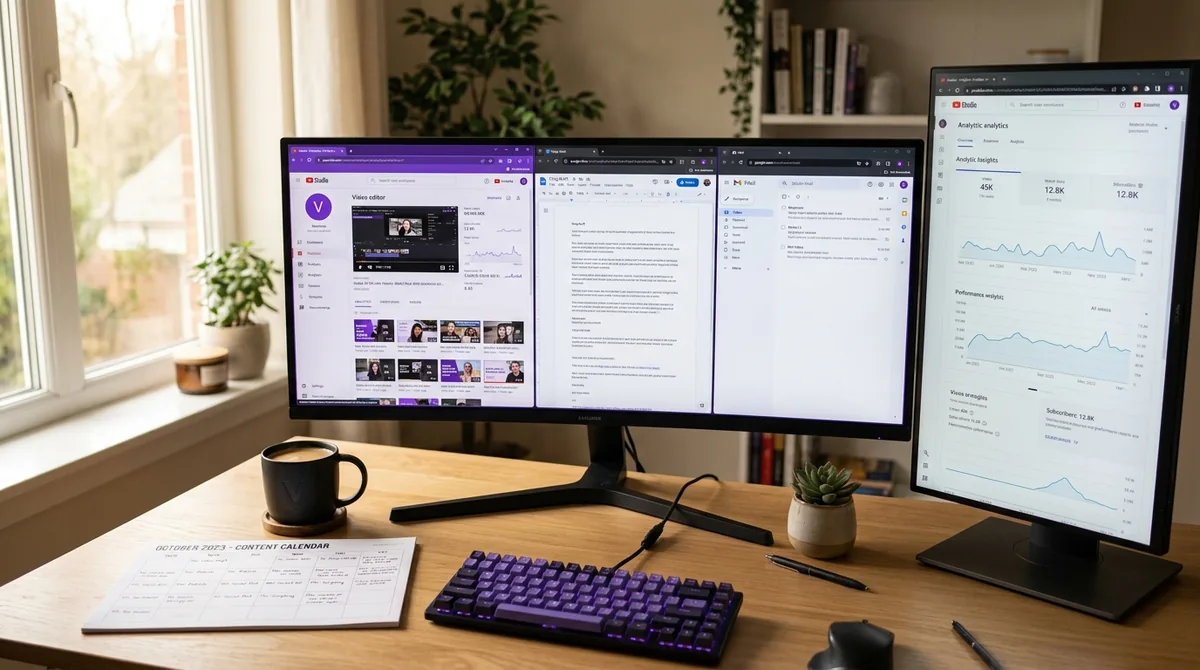
AskLibra Studio is an AI content writer built for blog articles and long-form content. Give it a topic, and it generates a complete article — structured, researched in tone, and ready to publish. But it does not stop at the article. For every piece of content you generate, Studio also produces a social post based on the article, a video script derived from the article's key points, and a social image to accompany the post.
That means one topic input produces four distinct content assets. A creator writing about YouTube audience retention does not just get a blog post — they get the script for their next video, a tweet or LinkedIn post to promote it, and an image ready to drop into Canva or a scheduling tool. This is where the system starts to save real time.
The feature that separates Studio from a generic AI writer is its voice learning capability. Every time you edit the content Studio generates — changing a word, tightening a paragraph, adjusting the tone — Studio studies those edits. Over time, it builds a model of how you write: your sentence length, your preferred transitions, your level of formality, even your humor patterns. The more you use it and the more honestly you edit its output, the more the next draft sounds like you wrote it yourself. Early outputs require more editing. Later outputs require far less. This is the compounding advantage of staying in the system. For a deeper look at how consistent content output connects to channel growth, see The 20-30 Video "Data Feedback" Loop: How to Turn Your First Month of Uploads into a Growth Roadmap.
Tool 2: AskLibra Copy — Your Short-Form Copy Toolkit
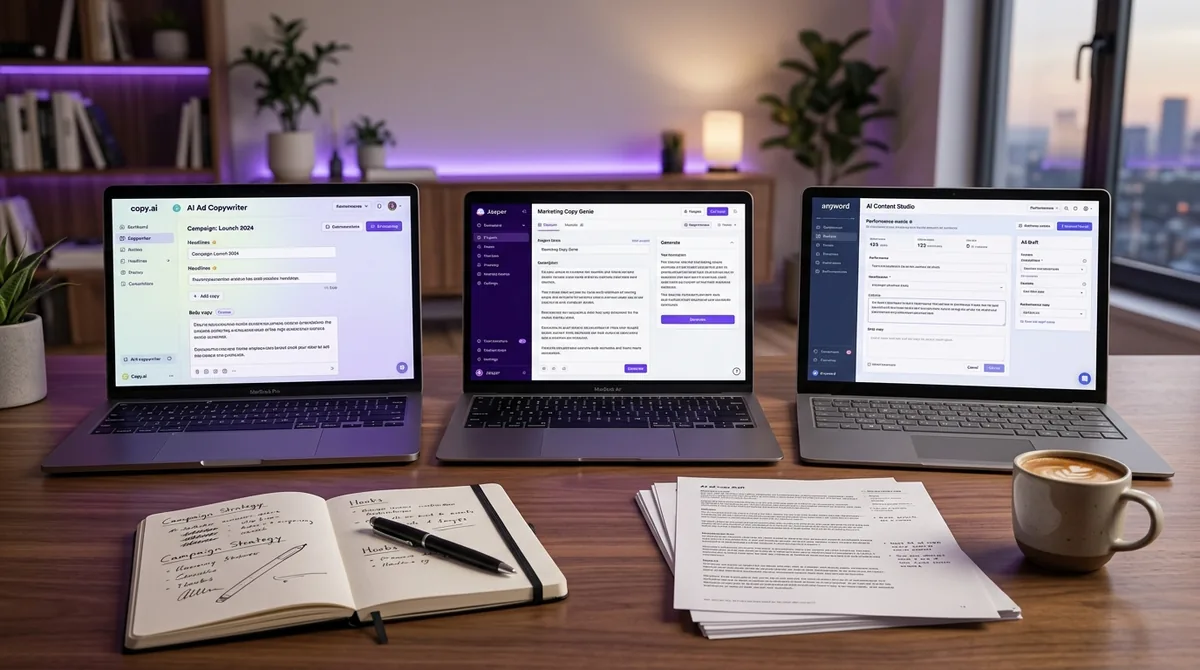
AskLibra Copy (available at copy.asklibra.com) is a focused copywriting tool with five specific functions: Hook Generator, Bio Writer, Ad Copy, Landing Page Copy, and Sales Script. Each tool is purpose-built for its format — not a general text box with a vague prompt.
The Hook Generator deserves special attention for video creators. A hook is the opening line or sequence of a video — typically the first 5 to 15 seconds — that determines whether a viewer keeps watching or clicks away. Writing strong hooks consistently is one of the hardest creative challenges in video production. AskLibra Copy's Hook Generator takes your topic or video concept and outputs multiple hook variations you can test, structured for both emotional pull and curiosity. For a deeper breakdown of what makes a hook work, read What is a YouTube Hook and How Long Should It Be?
The Bio Writer produces platform-ready bios for YouTube, LinkedIn, Instagram, or websites. The Ad Copy tool generates short, direct-response copy for paid placements. The Landing Page Copy tool builds full landing page structures — headline, subheadline, benefits section, CTA — from a brief description of your offer. The Sales Script generates conversation-flow scripts for outreach or video sales letters.
Like Studio, AskLibra Copy learns your voice over time through your edits. A Sales Script you heavily rewrite in week one will need far fewer changes by week six. The tool is not trying to replace your voice — it is trying to replicate it so you spend less time writing and more time thinking. For a comparison of how AskLibra stacks up against other creator tools, see AskLibra vs TubeBuddy vs VidIQ: Which Tool Actually Helps You Grow?
Tool 3: AskLibra Mail — Your Email Copy Generator
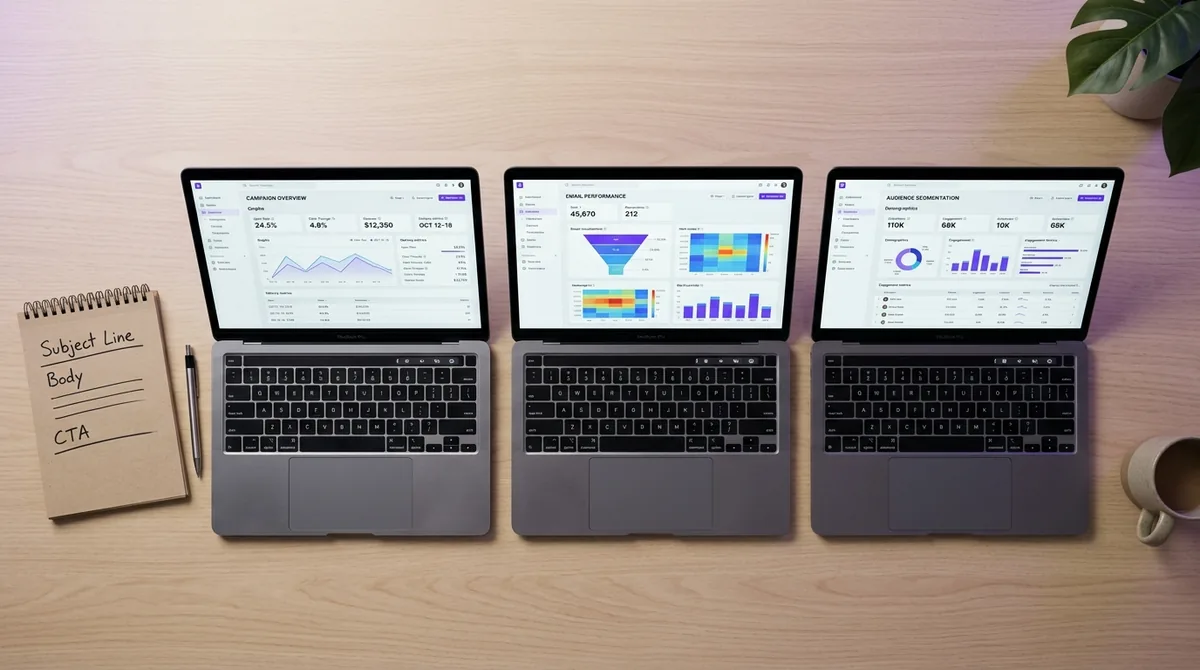
AskLibra Mail (available at mail.asklibra.com) is an AI email copywriter. Give it a topic, your industry, and a tone — and it generates a complete email: subject line, preview text, body copy, and a CTA (call to action). The output is ready to copy and paste directly into your sending platform of choice, whether that is Mailchimp, Klaviyo, ConvertKit, or any other tool.
AskLibra Mail does not connect to your email platform. It does not schedule, automate sequences, or send anything. It writes the email. You take that email and deploy it wherever your list lives. This keeps the tool simple, fast, and platform-agnostic — it works regardless of what email service provider you use.
The tone input is particularly powerful. You can tell Mail to write a warm, conversational email to a community of hobbyists or a formal, benefit-driven email to B2B decision-makers. The subject line and preview text — the two elements that control whether the email gets opened — are generated with the same tone logic, not as an afterthought. And like the other two tools, Mail studies your edits and adjusts its output toward your voice with each use. For creators building audience relationships through email, this compounds significantly over time.
The Weekly Content Workflow: One Topic, Five Assets
Here is how all three tools connect in a practical weekly workflow. Start with a single content topic — for example, "Why YouTube Shorts are underperforming for most channels in 2026."
Step 1 — Open AskLibra Studio. Enter your topic. Studio generates a full blog article, a social post based on that article, a video script breaking down the key arguments, and a social image. Review and lightly edit. Your edits train the voice model. Export the article to your CMS (WordPress, Webflow, wherever you publish). Save the video script for production. Queue the social post in your scheduler. Use the social image as a visual asset.
Step 2 — Open AskLibra Copy. Use the Hook Generator with the same topic to generate three to five hook variations for your video. Pick the strongest one as your video opener. Use the Ad Copy tool if you plan to promote the article or video with paid spend. If the topic connects to a product or service, run the Landing Page Copy or Sales Script tool to build supporting conversion assets.
Step 3 — Open AskLibra Mail. Enter the same topic, your industry, and your preferred tone. Generate an email that teases the article, summarizes the video's core argument, and links out to both. Copy the subject line, preview text, body, and CTA into your email platform. Paste the copy into your email platform and send to your list.
The result: from a single topic, you now have a published blog article, a video script ready for filming, a social post, a social image, a set of tested hook variations, and a complete email — all in one session, all in your voice. This is what a content system looks like versus a collection of disconnected tools. For a structured way to plan this across a full month, see How to use AskLibra's weekly gameplan to plan a month of content.
The Voice Learning Advantage: Why Consistency Pays Off
The most important feature shared across all three tools is voice learning — and it is the reason that starting early and using the tools consistently is significantly more valuable than starting later. Each edit you make is a data point. Each session adds to the model. A creator who uses AskLibra Studio every week for three months has a tool that drafts articles sounding like them on the first pass. A creator who uses it once per month is still in early-stage training.
This mirrors how any skill or system compounds: the benefit is not linear, it accelerates. The first month requires more editing. The third month requires noticeably less. By month six, the tools become a genuine extension of your writing process rather than a starting point you reshape heavily. For creators managing high-volume content across multiple formats — articles, scripts, copy, and email — this compounding effect is the difference between a sustainable system and a burnout cycle.
It is also worth noting what the tools do not do. They do not post for you. They do not send your emails. They do not connect to your calendar or CMS. This is by design. The tools focus entirely on generating the highest-quality copy possible and learning your voice. The distribution is yours to control, in the platforms you already use. For additional tools that complement this workflow, see 7 Creator Tools Every YouTube Creator Should Be Using in 2026.
Who This System Is Built For
This three-tool workflow works for solo creators, small teams, and brand channels. A solo YouTube creator uses Studio for scripts and articles, Copy for hooks and channel bio, and Mail to keep their subscriber list engaged between uploads. A small marketing team uses Studio for blog content and social assets, Copy for landing pages and ad creative, and Mail for campaign emails — with every team member's edits contributing to a shared voice model.
The system also scales with niche. Real estate creators, educators, B2B brands, and product-based businesses all benefit from the same workflow because the voice learning adapts to each user's specific language patterns, not a generic content template. For B2B creators specifically, see Humanizing B2B Brands in 2026: How Creators Are Turning Corporate Channels Into Communities for how this kind of consistent content output builds community around professional channels.
Frequently Asked Questions
Does AskLibra Studio publish my articles automatically?
No. AskLibra Studio generates the article, social post, video script, and social image. You copy that content and publish it in your own CMS, social scheduler, or video production workflow. The tool writes the content — distribution is fully in your hands.
Can I use AskLibra Mail with any email platform?
Yes. AskLibra Mail generates a complete email — subject line, preview text, body, and CTA — that you copy and paste into whichever platform you use, such as Mailchimp, Klaviyo, ConvertKit, or ActiveCampaign. Mail does not connect to, schedule through, or send via any external platform.
How long does it take for the voice learning to noticeably improve the output?
Most users notice a meaningful improvement in how closely the output matches their voice within three to four weeks of consistent use and active editing. The more honestly you edit — changing what does not sound like you rather than accepting the draft — the faster the model calibrates to your style.
Do all three tools share the same voice model?
Each tool — Studio, Copy, and Mail — maintains its own voice model built from your edits within that tool. This means your blog writing voice in Studio and your email tone in Mail can be calibrated separately, which is useful if you write formally in articles but conversationally in emails.
What if I only need one of the three tools right now?
Each tool works independently. You can start with just AskLibra Studio for articles and scripts, then add Copy when you need hooks or landing page copy, then add Mail when you are ready to build an email workflow. Starting with any one tool still begins the voice learning process, so earlier adoption always compounds into a better output over time.
Ready to see what the data says about your channel?
Stop guessing. Use AskLibra to get a personalized 90-day growth gameplan and find your perfect posting window.
No credit card required • Join 2,000+ creators