
Browse vs Search Traffic on YouTube: What's the Difference and Which Matters More?
Key Takeaways
- 1
Browse traffic comes from YouTube's homepage and suggested feed — it rewards strong thumbnails and titles, not keywords.
- 2
Search traffic pulls in viewers actively looking for answers — it rewards clear topic targeting and on-page optimization.
- 3
Most growing channels need both sources, but understanding which one drives your channel at each stage is the key to scaling faster.
- 4
Your click-through rate (CTR) and audience retention scores are the two levers that control how much of each traffic type YouTube sends you.
Two Traffic Sources, Two Completely Different Games
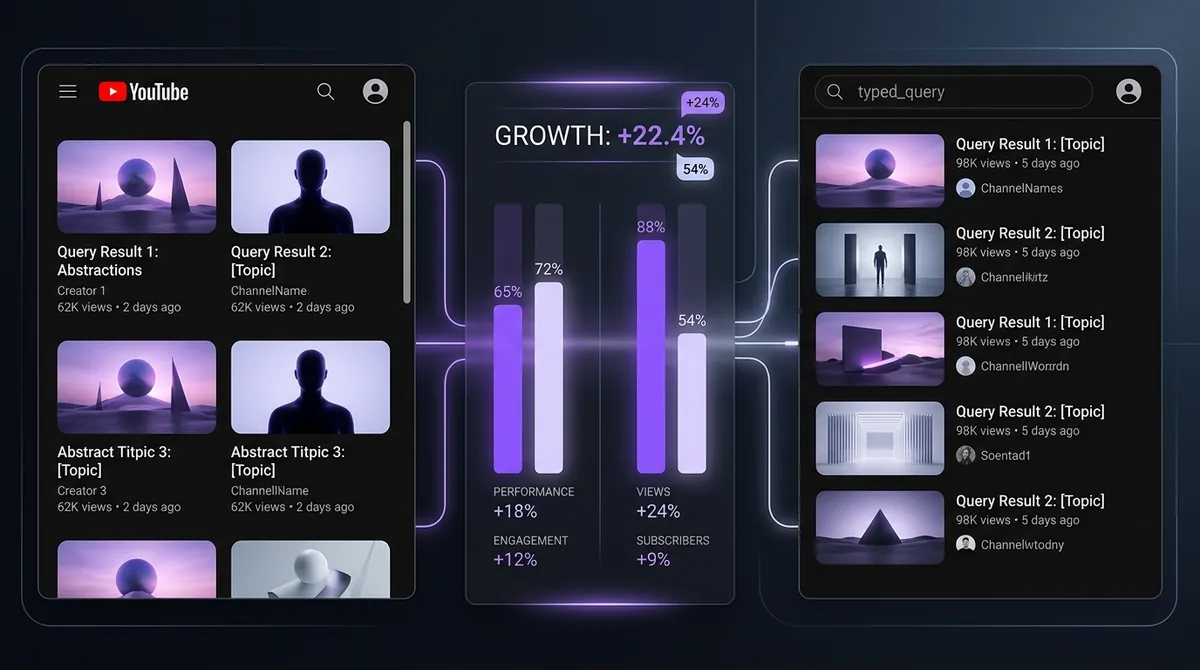
When YouTube delivers a view to your video, it came from somewhere specific. That origin point — called a traffic source — tells you exactly how a viewer found you. Two sources dominate most channels: browse features and search. They behave differently, reward different content decisions, and matter at different stages of a channel's life.
If you are treating all your views as the same, you are flying blind. This article breaks down exactly how each source works, what signals drive each one, and how to use that knowledge to make smarter content decisions.
What Is Browse Traffic?
Browse traffic includes every view that comes from YouTube's homepage, the Subscriptions feed, and the "Up Next" or suggested video panel on the right side of the screen. The viewer was not searching for anything specific. They opened YouTube, and your video appeared in front of them. They clicked because the thumbnail and title caught their attention.
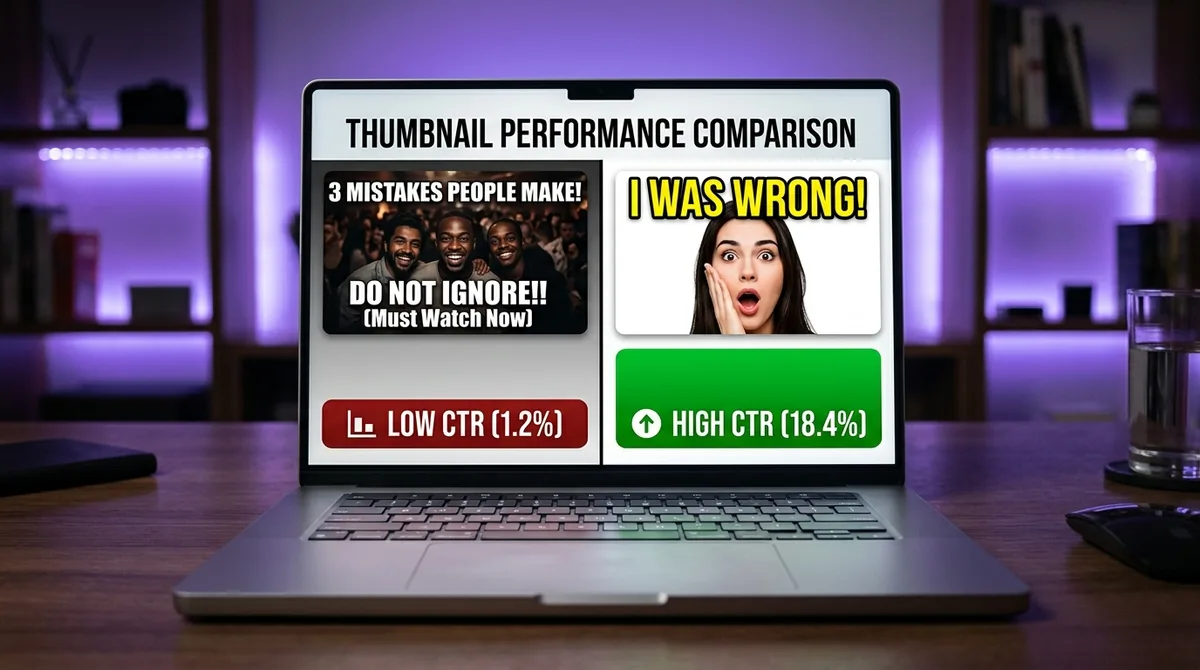
This means browse traffic is entirely algorithm-driven. YouTube decides whose video to surface based on predicted satisfaction — it asks: "If we show this video to this viewer, will they watch it, enjoy it, and keep watching YouTube afterward?" The algorithm learns this from two primary signals: click-through rate (CTR) — the percentage of people who click your thumbnail when it is shown to them — and audience retention — how much of your video viewers actually watch before leaving.
To understand exactly how CTR affects your channel's visibility, read What is YouTube CTR and why does it control your channel's growth?
Browse traffic scales fast when it works. A single video that earns a high CTR and strong retention can be pushed to hundreds of thousands of people in 48 hours with zero promotional effort. But it is also volatile — a thumbnail change, a topic mismatch, or a drop in watch time can cause YouTube to pull the recommendation entirely.
What Is Search Traffic?
Search traffic comes from viewers who typed a specific phrase into the YouTube search bar and clicked your video from the results. They arrived with intent. They want a specific answer, tutorial, review, or walkthrough.
This makes search traffic fundamentally different in behavior. Search viewers tend to have higher viewer session average time (VSAT) — a metric that measures how long a viewer continues watching YouTube after clicking your video — because they found exactly what they were looking for. They are also more likely to leave comments, subscribe after their first watch, and return for follow-up content.
Search traffic is earned through topical relevance and clarity. Your title, description, and spoken words need to match what people are actually typing. It is not about gaming a keyword tool — it is about being the clearest, most useful answer to a real question. For a deep dive on title construction for search, see How to Write a YouTube Video Title That Gets Clicked.
Search traffic grows more slowly than browse but is far more durable. A video that ranks for a consistent search query can pull in views every single day for years, long after you posted it.
The Core Difference: Pull vs Push
Here is the clearest way to think about it:
Browse traffic is push. YouTube pushes your video in front of people who were not looking for it. You win by being impossible to ignore — great thumbnail, compelling title, strong first 30 seconds.
Search traffic is pull. Viewers pull your video toward them because they typed a question. You win by being the most relevant, trustworthy answer in the results.
A video optimized for browse often has an emotional, curiosity-driven title: "I Tried This for 30 Days and Everything Changed." A video optimized for search has a clear, query-matching title: "How to Refinish Hardwood Floors Without Sanding." Both can be excellent videos. But they are targeting completely different moments in a viewer's day.
Which Traffic Source Matters More?
The honest answer: it depends on where your channel is right now.
Early-Stage Channels (Under 1,000 Subscribers)
YouTube does not yet have enough data about your audience to confidently push your content to new people via browse. It does not know who to show you to. Search traffic is your best friend at this stage because it bypasses that uncertainty entirely — viewers are self-selecting based on topic match, not algorithmic trust.
Focus early energy on answering specific, real questions in your niche. Make the title obvious. Make the thumbnail clean and readable. Let search bring in the first wave of viewers who prove to YouTube that people actually want your content.
Mid-Stage Channels (1,000–50,000 Subscribers)
This is where most creators hit a plateau. Search traffic has stabilized but growth has stalled. The channel needs browse traffic to break through to a wider audience. This is when your hook quality, thumbnail design, and title curiosity-gap strategy start to matter enormously.
Understanding what your existing viewers respond to — and using that data to improve browse performance — is exactly the kind of analysis covered in What 90 Days of YouTube Data Actually Reveals About Content Performance.
Established Channels (50,000+ Subscribers)
At this level, browse traffic typically dominates because YouTube has a large, reliable dataset about your audience's preferences. The risk here is over-relying on browse and letting search-optimized evergreen content decay. The strongest channels at this stage maintain a deliberate mix — high-browse "hero" videos for spikes and high-search "evergreen" videos for consistent baseline traffic.
How Retention Connects Both Sources
Audience retention — the percentage of a video's total length that an average viewer watches — is the single metric that sits underneath both traffic types. It signals to YouTube that viewers are satisfied, and satisfied viewers mean YouTube earns more ad revenue. That is why retention improvement benefits both your browse and search performance simultaneously.
A video with a 55% average retention will outperform a video with 35% retention in both the suggested feed and the search results, all else being equal. For a full breakdown of what retention percentages actually mean in practice, read YouTube Audience Retention: What the Numbers Actually Mean.
Retention starts with your hook. The first 30 seconds of a video are where most viewers decide whether to stay or leave. A weak hook destroys browse performance because YouTube sees the drop-off and stops recommending the video. It also damages search performance because viewers bounce back to the results page — a signal that your video did not satisfy the query. For specific guidance, see What is a YouTube Hook and How Long Should It Be?
Using Data to Diagnose Your Traffic Mix
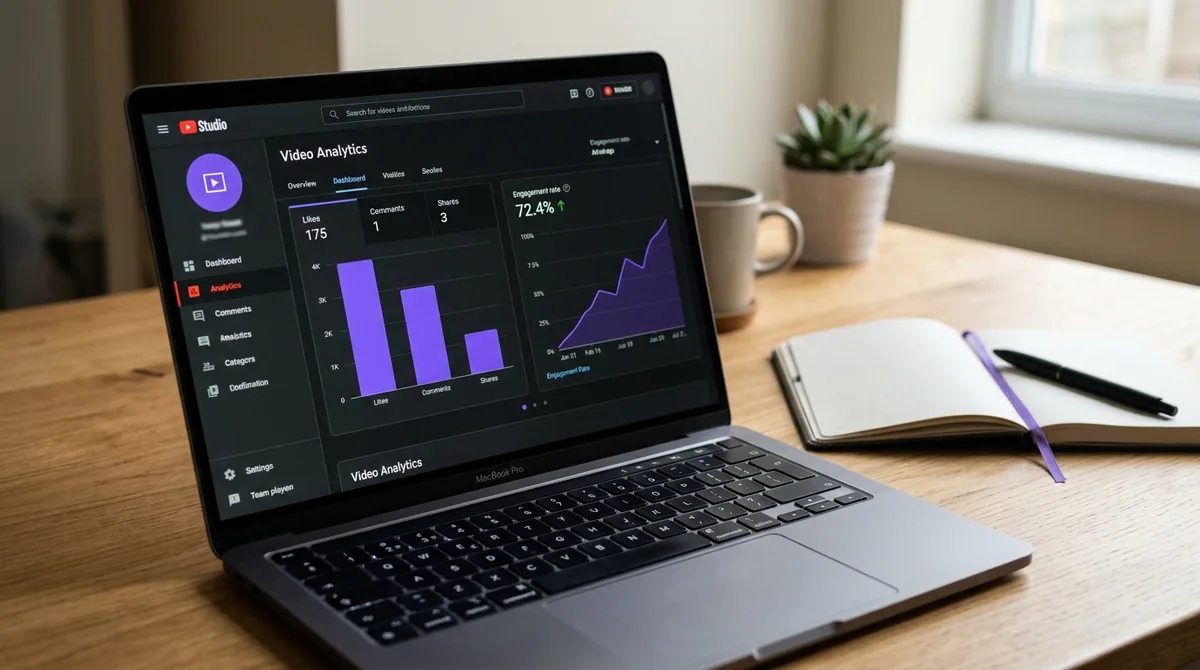
YouTube Studio shows you a traffic sources breakdown for every video. Go to Analytics → Reach → Traffic source types. Look at what percentage of views came from Browse Features versus YouTube Search for each of your recent videos.
If browse is under 10% on most videos, YouTube has not built enough audience confidence to recommend you proactively. Double down on search-optimized content while improving your thumbnail and hook quality.
If search is under 10%, you may be creating browse-friendly content that has no long-term shelf life. Add a layer of search strategy to your topic selection so your content keeps pulling views after the initial push fades.
This kind of traffic-source audit is a core part of How AskLibra's 90-Day Analysis Works — And What It Finds in Your Channel — connecting format performance, posting patterns, and traffic behavior into a single channel diagnosis.
Format Matters Too
Not all content formats attract the same traffic mix. Long-form videos (10+ minutes with structured chapters) tend to capture more search traffic because they have room to address a topic thoroughly. Short-form content (YouTube Shorts) is almost entirely browse-driven — it lives or dies by the algorithm's willingness to push it into the Shorts feed.
Based on AskLibra data from 4 connected channels and 511 videos analyzed, long-form content averages a 0.0226 engagement rate while Shorts average 0.0109 — a meaningful gap that reflects the deeper viewer intent and higher retention behavior that long-form search traffic tends to produce.
If you want to build a content system that deliberately balances both traffic types across different formats and posting schedules, start with How to Build a Complete Content System Using AskLibra.
Frequently Asked Questions
Can one video get both browse and search traffic at the same time?
Yes, and the best-performing videos often do. A video that answers a clear search query and also has a compelling thumbnail can earn search traffic first, build retention data, and then get picked up by the browse algorithm as YouTube sees that viewers are satisfied. The two sources are not mutually exclusive — they can reinforce each other over time.
Why does my video get lots of search traffic but very few subscribers?
Search viewers come with a specific goal. Once they get their answer, many leave without subscribing. To convert search traffic into subscribers, include a clear in-video call to action tied to the viewer's intent — for example, "If this helped you, I have a full playlist on this topic" — and make sure your channel page clearly signals what you consistently cover.
Is browse traffic more valuable than search traffic?
Neither is universally more valuable. Browse traffic can produce massive view spikes and rapid subscriber growth, but it is unpredictable. Search traffic is slower but more durable and tends to attract viewers with higher intent. Most healthy channels benefit from both, and the right balance depends on your niche, content format, and growth stage.
How does posting time affect browse vs search traffic?
Posting time has a stronger effect on browse traffic than search traffic. Browse recommendations are partially time-sensitive — YouTube tends to surface newer content more aggressively in the first 24–48 hours after upload. Search traffic is not time-sensitive in the same way; your video can rank for a query months or years after posting. For data-driven guidance on timing, see How to Find Your Best Posting Time on YouTube Using Your Own Data.
What is the fastest way to increase my browse traffic?
Improve your thumbnail click-through rate and your first-30-second retention simultaneously. These are the two signals YouTube weighs most heavily when deciding whether to recommend a video to new viewers via browse. Test one thumbnail variable at a time, and review your retention curve in YouTube Studio to identify exactly where early viewers are dropping off.
Ready to see what the data says about your channel?
Stop guessing. Use AskLibra to get a personalized 90-day growth gameplan and find your perfect posting window.
No credit card required • Join 2,000+ creators